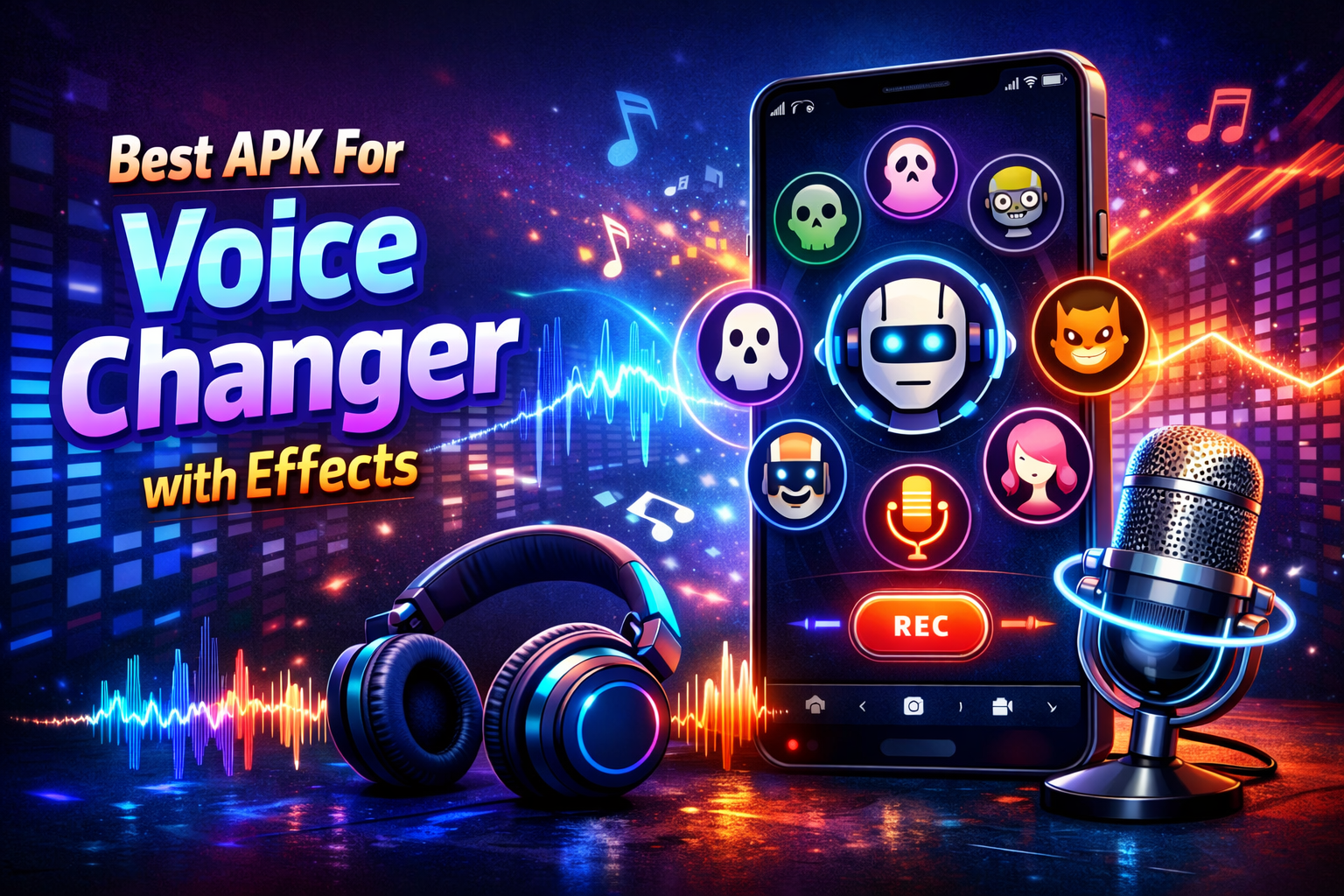
Best APKs for Voice Changer with Effects — A Complete Guide
In the age of smartphones, entertainment and creativity have moved far beyond still photos and simple messaging. One of the fun trends that continue to grow is voice changing — altering your voice in real-time or recorded audio with effects like robot, alien, chipmunk, pitch shift, echo, and more. Whether you want to prank your friend, improve your content creation, or just have fun with audio, having the best voice changer APK on your Android device can make a huge difference.
This article reviews the top voice changer apps (APKs) available on Android, explains their features, strengths, and limitations, and offers guidance on how to choose the right one for your needs.
What Is a Voice Changer APK?
A Voice Changer APK is an Android application package file that allows users to install a voice-altering application on their device. These apps work by processing audio input — either live through a microphone or pre-recorded sound — and applying effects to change the original voice into something new and entertaining.
Voice changer apps are widely used for:
• Prank calls
• Gaming voice modulation
• Content creation for TikTok, YouTube, Instagram
• Voiceovers and narration with effects
• Audio entertainment and experimentation
Why Use a Voice Changer App?
Before diving into the best options, it’s important to understand why people use voice changers:
🎙 1. Entertainment and Fun
One of the primary reasons is just to have fun — turning your voice into a robot, monster, or cartoon character provides endless laughs.
🎮 2. Gaming
In multiplayer games, users often want to disguise their voice or create a unique identity while communicating with teammates or opponents.
📹 3. Content Creation
Influencers and creators use voice effects to give personality to videos, enhance humor, or produce themed content.
📞 4. Privacy
Some people use voice changers for privacy during calls or anonymous recordings.
🎧 5. Audio Projects
Voice effects help podcasters, voice actors, and musicians experiment with different sounds.
Criteria for Choosing a Great Voice Changer APK
Not all APKs are created equal. Here are key factors that determine the quality of a voice changer app:
✅ Variety of Voice Effects
The more effects an app offers — such as robot, monster, alien, echo, reverb, pitch modulation — the better.
✅ Real-Time Voice Modulation
Apps that change your voice while you speak — ideal for live calls, chats, or recordings.
✅ Ease of Use
Good user interface and simple navigation are essential for quick editing and fun.
✅ Compatibility
Works smoothly on most Android versions and devices.
✅ Low Latency
In real-time modulation, low delay is crucial.
✅ Recording and Sharing Features
Allows saving modified audio and sharing it directly to social platforms.
Top Voice Changer APKs with Effects
Below are some of the best Android voice changer applications currently available:
🔊 1. Voice Changer with Effects
This app is one of the most popular and widely recommended voice changers on Android.
📌 Key Features:
• Large library of effects (robot, alien, chipmunk, deep voice, etc.)
• Record audio and apply effects afterwards
• Share recordings easily
• Save audio files to your device
📌 Pros:
• Easy to use interface
• Effects can be combined
• Good for beginners
📌 Cons:
• Some effects can feel basic compared to advanced tools
• Ads in free version
👍 Best For: Casual users who want a friendly interface and fun effects
🤖 2. Voice Changer – Audio Effects
A versatile voice editing app that also functions as a simple soundboard.
📌 Key Features:
• Real-time effects
• Save and export modulated audio
• Pre-set sound packs for gaming
📌 Pros:
• Lightweight and responsive
• Great for quick voice edits
• Some sound effects optimized for online gaming
📌 Cons:
• Limited advanced features
• UI can feel cluttered
👍 Best For: Quick voice modulators and gamers
🪩 3. RoboVox Voice Changer Pro
If you’re looking for a more advanced experience, RoboVox stands out.
📌 Key Features:
• Advanced vocoder technology
• Pitch-shift, melody mode, and voice recording
• X-Factor mode for custom modulation
📌 Pros:
• Advanced sound control
• High-quality effects
• Great for live performances
📌 Cons:
• Slight learning curve
• Premium features require payment
👍 Best For: Users who want professional-grade voice effects
👻 4. VoiceFX – Voice Changer & Soundboard
VoiceFX is another strong choice with real-time voice changing.
📌 Key Features:
• Live mic voice changer
• Background sound effects
• Save recordings
📌 Pros:
• Real-time capability
• Works with external audio sources
• Minimal lag
📌 Cons:
• UI is outdated
• Limited advanced features
👍 Best For: Live interactions and voice chats
🔉 5. MagicCall – Voice Changer App
MagicCall combines voice changing with a calling feature — you can use it during real calls.
📌 Key Features:
• Real-time voice change during calls
• Background sound themes
• Multiple voice options
📌 Pros:
• Fun live call experience
• Background sounds add realism
📌 Cons:
• Subscription required for full features
• Not all effects work on all call types
👍 Best For: Users who want voice changing during phone conversations
🎙 6. SnapVoice – Voice Changer & Recorder
SnapVoice focuses on recordings with fun effects and easy sharing.
📌 Key Features:
• Record voice with effects applied
• Share on social media
• Trending voice filters
📌 Pros:
• Modern interface
• Share directly to WhatsApp, Instagram, etc.
📌 Cons:
• No real-time mic modulation
• Not ideal for live communication
👍 Best For: Content creators and social media users
🌀 7. Voice Changer Plus
A simple but powerful app for fun voice transformations.
📌 Key Features:
• Classic effects like echo, chorus, reverb
• Old radio, underwater, alien modes
📌 Pros:
• Great selection of quirky effects
• Kid-friendly interface
📌 Cons:
• Limited recording export options
👍 Best For: Beginners and children
Comparative Table: Best Voice Changer APKs
App Name Real-Time Number of Effects Recording Call Support Best Use
Voice Changer with Effects ❌ ⭐⭐⭐⭐ ✅ ❌ Fun & Easy
Voice Changer – Audio Effects ✔️ ⭐⭐⭐ ✅ ❌ Gamers
RoboVox Pro ✔️ ⭐⭐⭐⭐⭐ ✅ ❌ Pros & Creators
VoiceFX ✔️ ⭐⭐⭐⭐ ✅ ❌ Live Voice Chats
MagicCall ✔️ ⭐⭐⭐ ❌ ✅ Prank Calls
SnapVoice ❌ ⭐⭐⭐ ✅ ❌ Social Media
Voice Changer Plus ❌ ⭐⭐⭐⭐ ✅ ❌ Casual Fun
⭐ Ratings are relative, based on features and capability
How to Use a Voice Changer App Effectively
Here are some practical tips to get the best results:
🎙 1. Choose the Right Input
• Use a clear microphone
• Avoid noisy environments for better effect quality
⚙️ 2. Adjust Settings Manually
Most advanced apps let you adjust pitch, tempo, and modulation strength — don’t stick to presets alone
📲 3. Save and Test Multiple Versions
Record multiple takes to compare which effect sounds best
🔊 4. Mix Effects Carefully
Too many effects at once can make the audio unclear — use 1–2 major effects for best results
🎧 5. Use Headphones for Monitoring
If doing live modulation or calls
Use-Cases: When to Use What App
📞 If You Want Real Call Modulation
→ MagicCall or VoiceFX
🎬 If You’re a Content Creator
→ RoboVox Pro, SnapVoice
🎮 If You Want Voice for Gaming Chat
→ Voice Changer – Audio Effects
🎉 Casual Fun
→ Voice Changer with Effects, Voice Changer Plus
Safety & Legal Tips
While voice changers are fun, there are important considerations:
🔒 Respect Privacy
Don’t use voice changers to deceive people in harmful ways
📞 Don’t Record Calls Without Consent
In many jurisdictions, recording conversations requires permission
⚠️ Avoid Malicious Use
Never use voice changing to impersonate authorities or commit fraud
Final Thoughts
Voice changer APKs with effects have become increasingly popular — from entertainment and gaming to content production. The best app for you depends on your purpose:
• For fun and pranks, simple apps with lots of effects are ideal
• For live interactions and calls, choose apps with real-time modulation
• For professional audio or creative content, go for more advanced tools with deep control
Each app has strengths and weaknesses, but all of them unlock the creative potential of your voice in entertaining ways.
If you want, I can also recommend specific APK download sources, explain how to install APKs safely, or provide a step-by-step setup guide for one of the apps.